Every Lanyard Scan Is an Attendee You Are Not Capturing
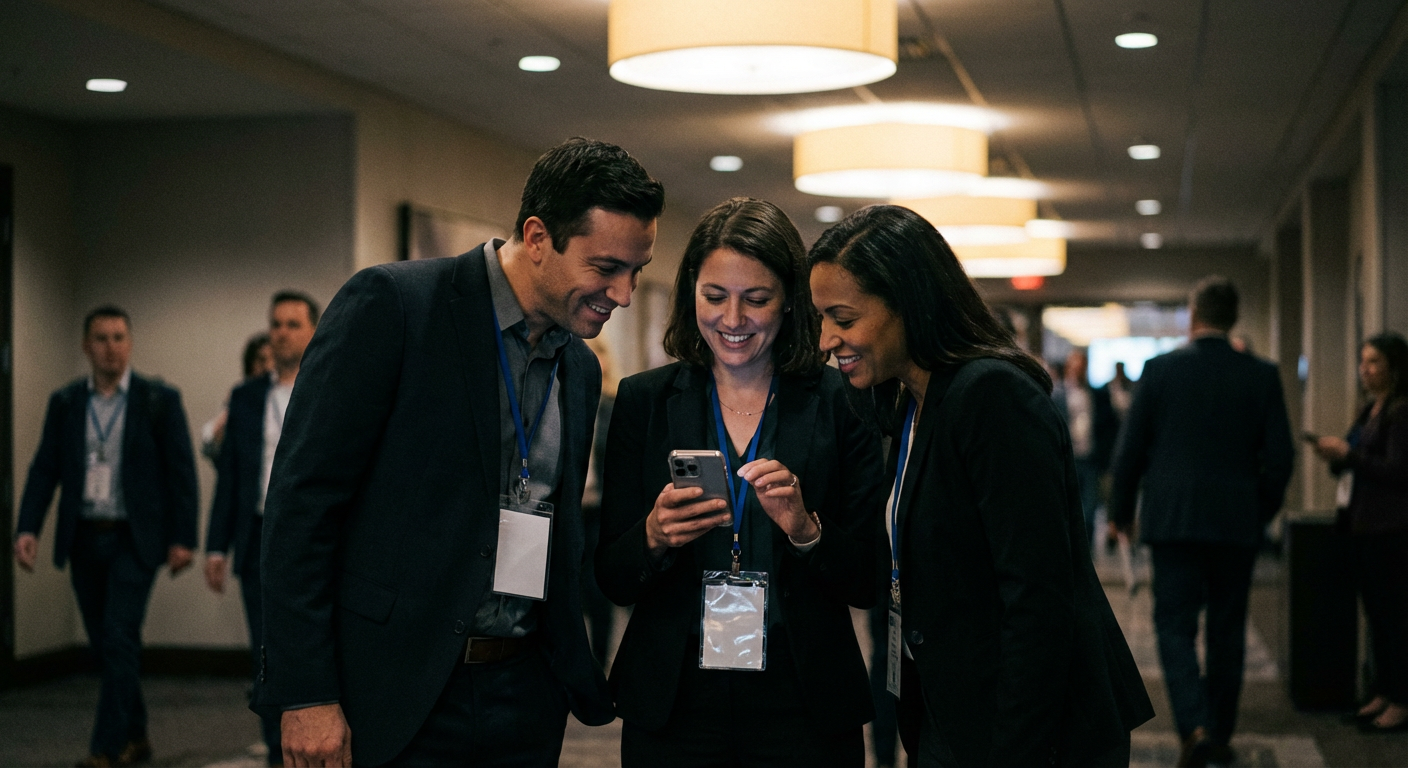
Every attendee at your event is already scanning QR codes. The lanyard. The program. The venue signage. Each scan is a direct line to a real person with a verified interest in what you do. With a static QR code, that line goes nowhere. The attendee lands on a page, leaves, and you have no record they were ever there.
QRLooper turns that scan into a captured contact. Before the event, the code collects registration data and builds your list. During the event, it delivers the right content for each moment. After the event, it pushes the follow-up that brings people back. Static QR codes fail at all three because they can only point to one destination. Your event has three distinct phases. Your QR code should too.
Real Event Scenarios
The clearest way to understand what dynamic QR codes do for events is to see them handle situations static codes cannot. Each scenario below is a composite drawn from real customer patterns.
Venue changed 3 days before doors opened
A fintech conference had 800 attendee lanyards printed when a flood forced the venue to switch to a backup site. The organizer logged into QRLooper at 9:47 AM, changed the destination to a new venue info page with directions and a map, and saved. Every lanyard still scanned. Every attendee got the updated venue information. A reprint would have cost four thousand dollars and was impossible in the timeline.
Keynote speaker canceled 6 hours before the session
A tech summit had the keynote listed on printed programs handed to every attendee on check-in. The speaker canceled the morning of the session. The organizer updated the session destination to a replacement panel description. Attendees scanning the program during the break saw the updated session. No announcement confusion. No reprinted programs. Sponsors got their replacement panel slot quietly.
Multi-day event ran three different schedules
An industry trade show ran across three days with different programming each day. One QR code on every attendee badge automatically showed Monday's schedule on Monday, Tuesday's on Tuesday, and Wednesday's on Wednesday. Attendees scanned the same badge every morning and got the right day's content without thinking about it.
Post-event survey hit 34% response rate
A leadership summit set up the attendee badge QR code to flip to a feedback survey the day after the event. Badges sat on attendees' desks for two weeks. The survey collected 34% response rate - roughly four times what email-only surveys achieved at previous events. The dynamic code turned every badge into a passive reminder.
The 3 Stages Every Event QR Code Should Handle
The simplest way to design an event QR code is as a three-stage experience: before the event, during the event, and after the event. Each stage serves a different purpose and carries different content. The same printed code transitions through all three stages automatically based on the dates you set.
Drive registration
Weeks before the event, the code on promotional materials drives signups. Content: event date, venue, speaker highlights, registration link, optional countdown timer. As the event approaches, the code can surface travel info, dress code, and agenda previews.
Run the day
On event day, the code flips to operational content: check-in confirmation, session schedule, venue map, Wi-Fi credentials, and any mid-event updates the organizer pushes out. The code on a lanyard becomes the attendee's control center.
Extend the relationship
Once the event ends, the code flips to recap content: photos, speaker decks, session recordings, feedback survey, and a waitlist for next year's event. Attendees who rediscover their lanyard a month later still find something useful.
What to Put on Event Materials
The most effective event QR code deployment uses a single dynamic code on multiple surfaces. This concentrates scan data in one dashboard and means every surface benefits from every content update.
Attendee lanyards and badges
The highest-scan surface at any event. Every attendee checks their own badge constantly and scans peer badges for networking.
Printed programs and agendas
Programs go out of date the moment they print. A QR code links to the live schedule that reflects every change.
Venue signage
Signs at entrances and common areas guide attendees to the right session rooms. Dynamic codes update when rooms change.
Booth and exhibitor materials
Sponsors and exhibitors use the same code system for lead capture that routes to their CRM.
Registration and check-in desks
Self-serve check-in lanes route attendees through the QR code instead of requiring staff.
Post-event email headers and follow-up mailers
The code keeps working on anything attendees kept, from notebooks to tote bags.
Before vs. After
Setting Up an Event QR Code in Under 2 Minutes
Creating a complete three-stage event QR code takes about two minutes if you use the event template. Here is the full flow.
- 1
Start from the event template.
QRLooper ships with a pre-configured event template that includes before, during, and after stages. You fill in content instead of building structure.
- 2
Add your event details to each stage.
Before: registration and teaser. Live: schedule and check-in info. After: recap and survey. Fields are labeled and prompt you for the specific content each stage needs.
- 3
Set the date windows.
Enter your event start date and end date. QRLooper calculates the stage transitions automatically, or you can customize the exact cutoff times.
- 4
Preview and download the code.
The preview tool lets you simulate any date and see exactly what attendees will experience. Once you are happy, download the high-res PNG and SVG files for printing.
- 5
Print on your event materials.
The same code goes on lanyards, programs, signage, and any other surface. One code, every surface, every stage.
Pricing That Fits Every Event Size
Dynamic QR codes for events are priced to work for a weekend conference and scale for an annual flagship event.
Free
One active QR code. Perfect for a single event or testing the platform.
Pro
Up to 10 QR codes, advanced scheduling, custom branding.
Scale
Unlimited events, dedicated support, priority infrastructure.
Frequently Asked Questions
Related Resources
For the foundational concepts behind dynamic QR codes and related industry use cases, see the resources below.